Illustrative scenario
Photographer · SD Card
After an SD card appeared empty, the user stopped using it and ran a read-only scan. File preview helped show which photos were available before any recovery decision.
Recover lost data from hard drives, SD cards, and external storage — even after accidental deletion or formatting.
Use a read-only scan to check what may be recoverable. Preview files before choosing what to restore. Results depend on the device condition and whether data has been overwritten.
Choose a common data-loss situation and follow a clear recovery path.
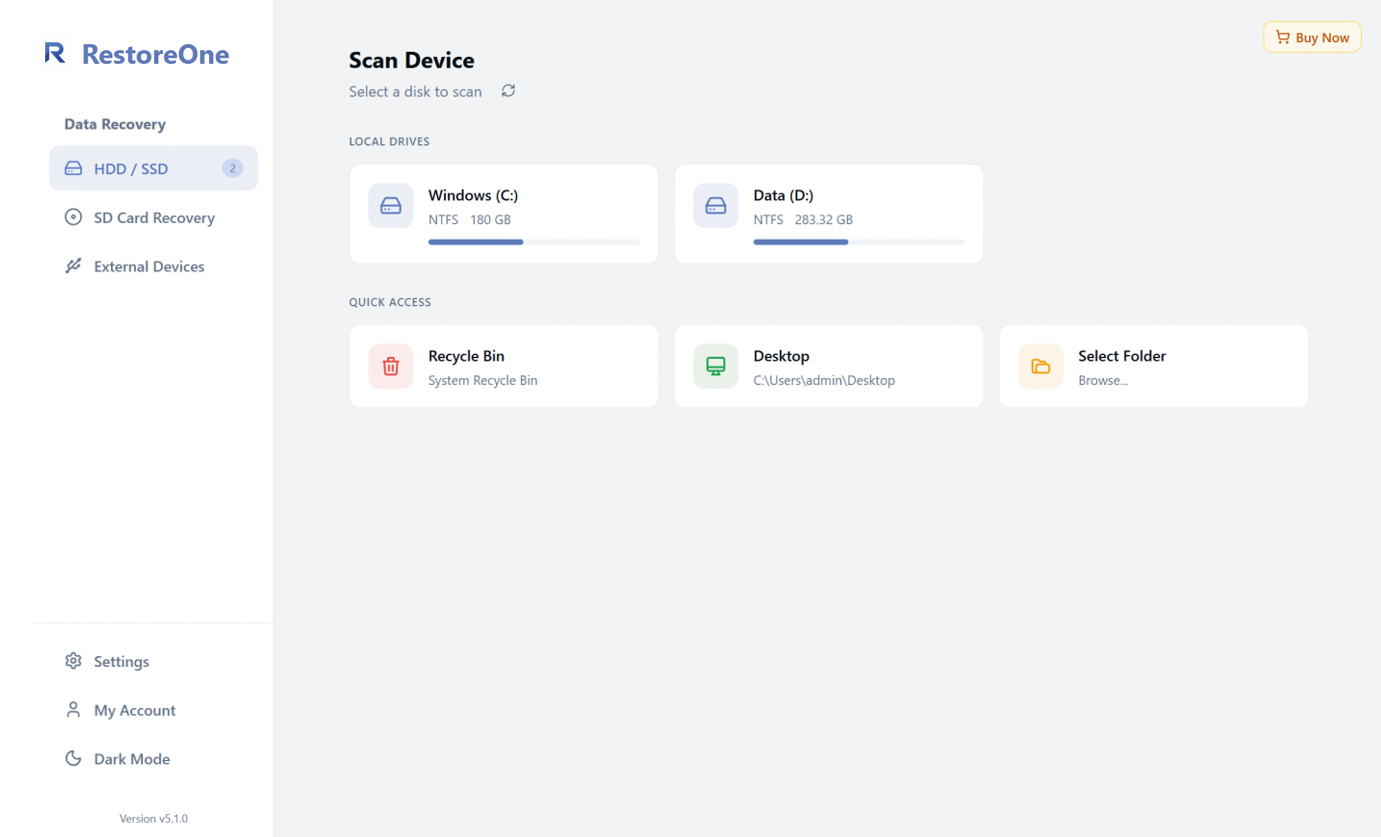
Select where the files were lost, scan for recoverable data, then preview and restore only what you need.
View the platform-specific recovery scenarios and supported environments.
Designed for common Windows data loss situations.
Switch between common recovery problems without scrolling through five repetitive feature blocks.
Recover deleted files from internal and external hard drives. The software scans compatible storage without modifying the original drive.
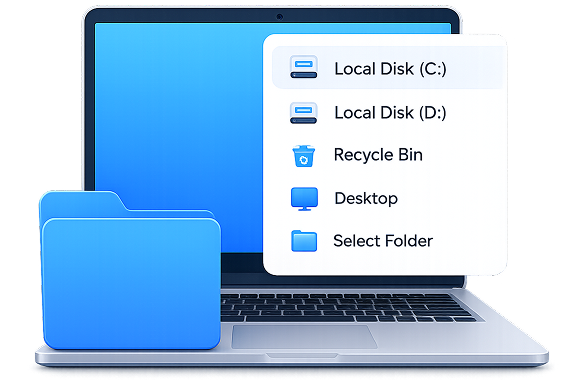
Recover data from internal, external, and removable storage.
Recover common documents, media files, archives, and more.
Common recovery situations and how file preview can help people make informed choices.
After an SD card appeared empty, the user stopped using it and ran a read-only scan. File preview helped show which photos were available before any recovery decision.
After a project folder was deleted and the Recycle Bin was emptied, the affected drive was scanned. Available document previews could be reviewed before choosing files to recover.
After an external drive was formatted by mistake, no new data was saved to it. A scan showed which folders and file types were still available for review.
When a computer no longer booted, its drive was connected to a working system for a read-only scan. Available reports and PDF files could be checked before recovery.
These examples describe common data-loss situations. They are not individual verified testimonials or guarantees. Scan time and recovery results depend on the device condition and whether data has been overwritten.
Security, purchase protection, and human help are presented as separate user promises.
Read-only scan; files stay on your device.
Choose a device, run a safe scan, and make an informed decision.